

Free tools Name Tracing Worksheet Maker
Free printable maker · ages 3–7
Free Name Tracing Worksheet Maker
Type your child’s name and print a name tracing worksheet in seconds. Choose print or cursive letters, three sizes and A4 or US Letter paper.
Made in your browser: the name is never sent or saved. To save a PDF, choose “Save as PDF” in the print window.
How to use the name tracing worksheet maker
- Type the name. Accents are simplified (é becomes e) so every letter can be traced.
- Pick print or cursive, the letter case and a size: Big for ages 3–4, Medium for 5–6, Small for 6–7.
- Tap “Print or save as PDF”. In the print window, choose your printer, or “Save as PDF” to keep a copy.
Examples
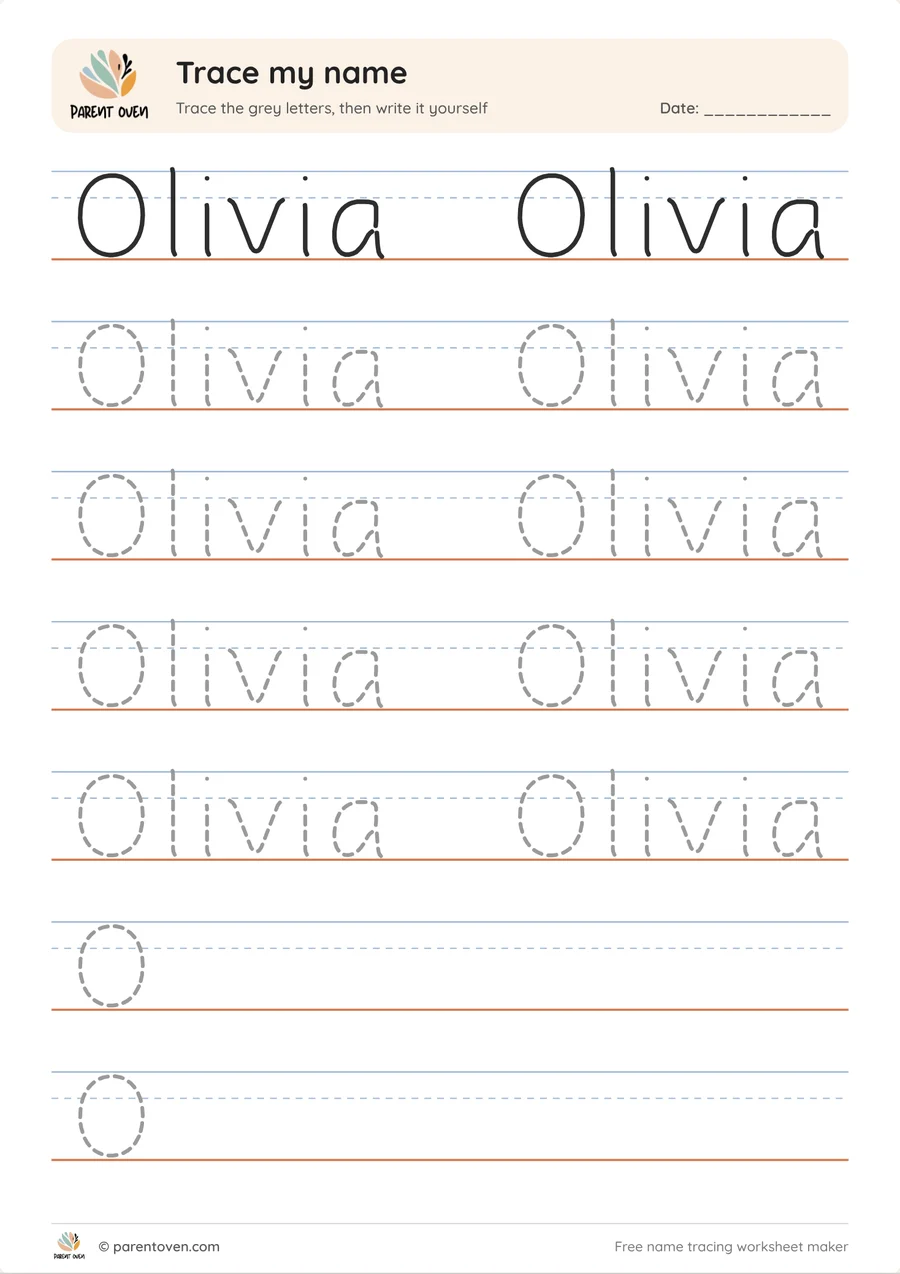
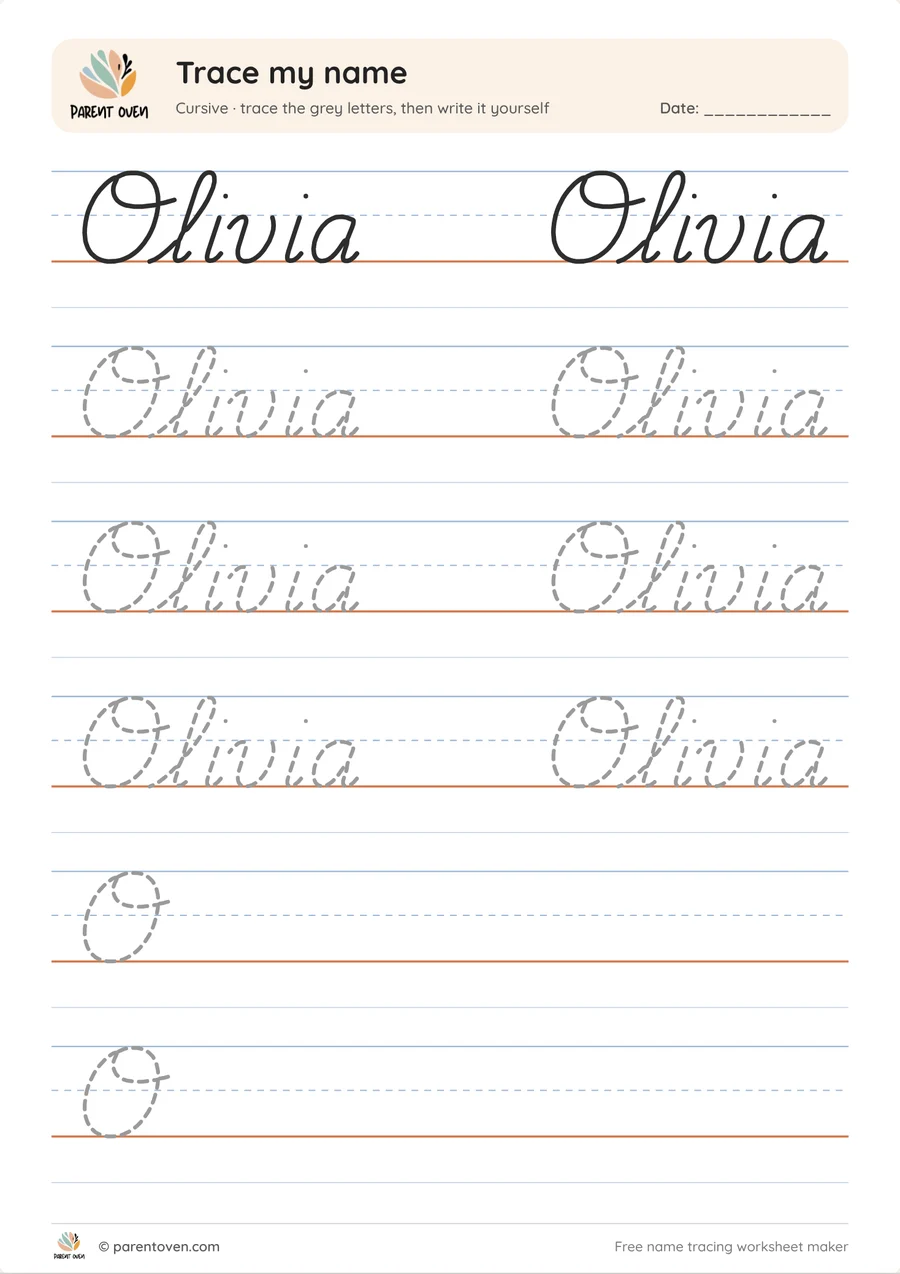
Tips
- The first row is solid: trace it with a finger before using a pencil.
- Every tracing line is a single, dotted centre line, so children follow one path for each stroke.
- The last two rows show only the first letter: your child writes the rest on their own.
- Start with the first name only. Add the last name when the first is easy.
More free printables
Questions
Is the name tracing maker free?
Yes. It is completely free, with no sign-up and no watermark beyond the small Parent Oven logo.
Is my child’s name saved anywhere?
No. The worksheet is drawn in your own browser. The name is not sent to us or stored.
How do I save the worksheet as a PDF?
Tap “Print or save as PDF”, then choose “Save as PDF” (or “Microsoft Print to PDF”) as the printer. On a phone, use the Share or Print option and save to Files.
Can I make a cursive name worksheet?
Yes. Choose “Cursive”: the letters join up like real handwriting, with a dotted single-stroke line to trace.
Which size should I choose?
Big for ages 3–4 who are just starting, Medium for ages 5–6, and Small for ages 6–7 who already write on lined paper.
More Free Makers
Also try: baby flash cards · free worksheets